Check what the current number means before copying it from a motor datasheet into a stepper drive. A drive can display peak phase current, RMS phase current or both. A motor datasheet may give a rated current per phase for a particular winding connection. Match the meanings and the connection before choosing a switch position or software value.
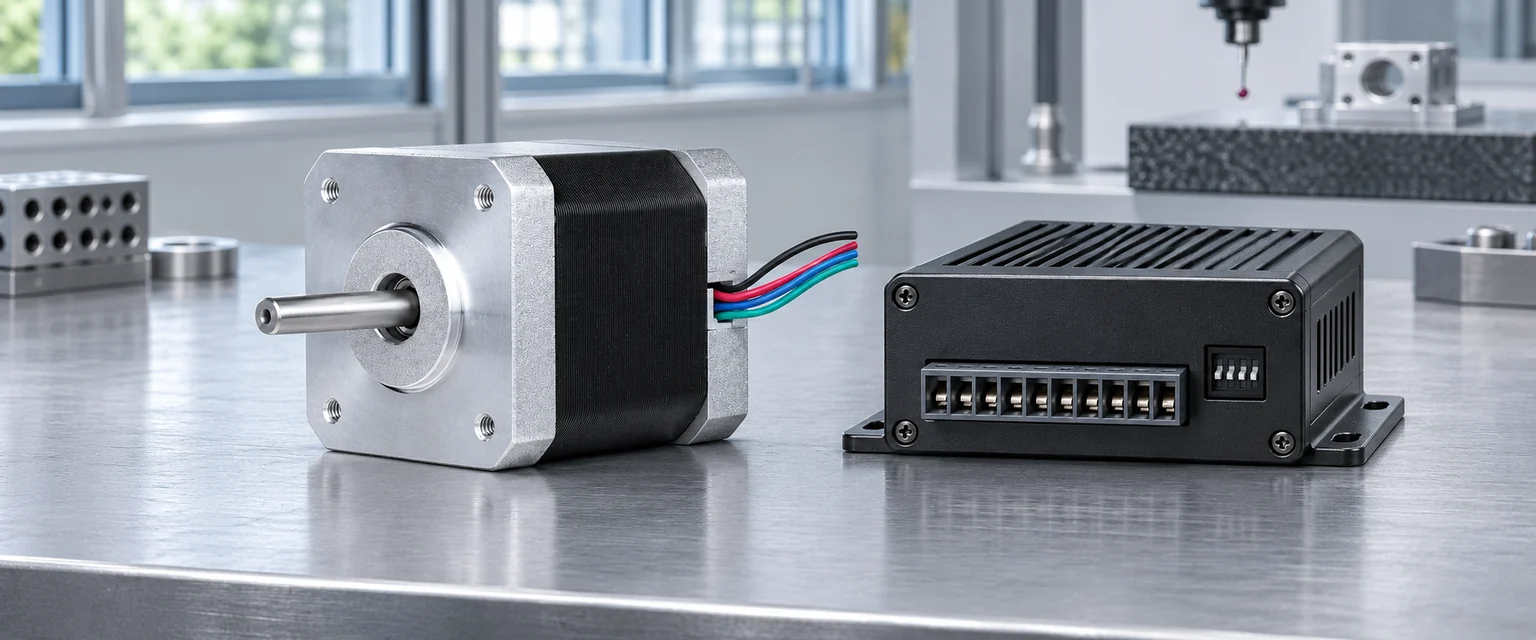
Convert peak and RMS only on the specified basis
For a sinusoidal phase current, RMS = peak ÷ √2. A setting of 2.83 A peak is therefore about 2.00 A RMS. Conversely, 2.00 A peak is about 1.41 A RMS. Both figures describe current in one winding on the stated waveform basis. They are different from average current drawn from the DC supply.
Leadshine's MX3660 installation manual gives paired peak and RMS values and separates its tables by hardware or firmware version. Read the row for the exact drive in service. Some drives define their current settings differently, so use the manufacturer's stated relationship. If the motor drawing says only “A/phase,” ask which drive setting the manufacturer uses for that motor and winding arrangement. The sine-wave conversion alone cannot answer that question.
Check the winding arrangement and idle current
Start with the full motor part number and the connection drawing. A motor that can be connected in series or parallel may have a different phase current for each arrangement. Use the rating for the wiring actually installed. Read the drive's running and idle settings separately. Running current affects the motor's available torque during motion. A reduced idle setting can cut dwell heating, but it changes holding torque and may affect the position of a loaded stopped axis. Use the idle setting appropriate to the machine's holding requirement.
| What you find | What to verify before applying the setting |
|---|---|
| Motor label lists a current per phase | Connection and current convention on the corresponding datasheet |
| Drive displays both peak and RMS | Correct column, value pair and drive version |
| Motor gets hotter after a drive replacement | Running current basis, idle current, duty cycle and mounting |
| Adequate low-speed torque but stalls during a fast move | Available torque at operating speed with the selected drive and supply |
Verify the setting over a complete cycle
Record the run and idle values, driver type and supply voltage. Run the representative move and dwell sequence and measure temperature as specified by the motor manufacturer. A short no-load jog can confirm direction but tells you little about temperature after repeated cycles. If torque falls short at speed, review the supply voltage, acceleration ramp and load inertia against the applicable stepper speed-torque curve. Check these before increasing current. A setting that helps at low speed can leave the high-speed problem unresolved.
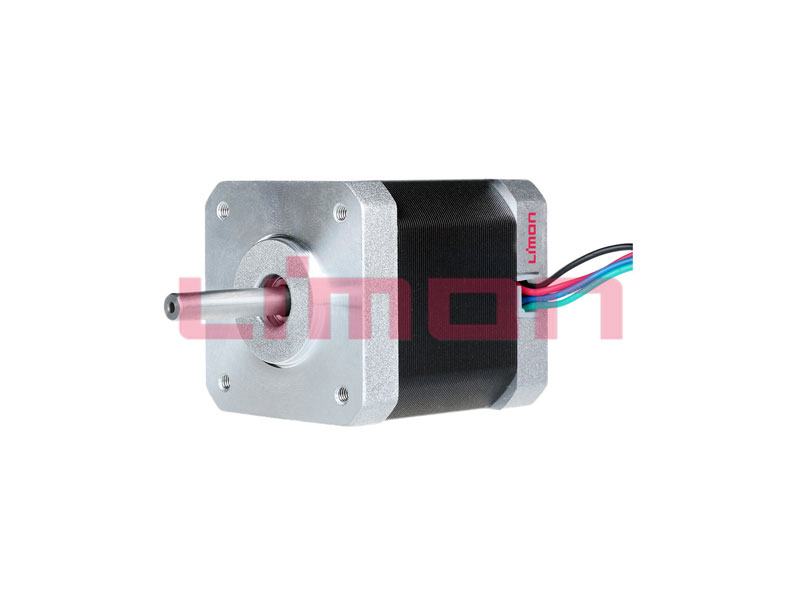
When pairing a LIMON SM stepper motor with an SD-series driver, attach the motor code, winding connection, drive revision and operating cycle to your demande de renseignements sur une candidature. Ask for the applicable phase-current convention and the running and idle settings for the proposed combination.